Group workouts with friends
One workout. Your whole crew. Voice built in.
Ride the same structured workout at the same moment as your friends, every trainer on its own rider’s FTP, talking the whole way. No Meetup to set up and no second app for voice. Free, in Chrome or Edge.
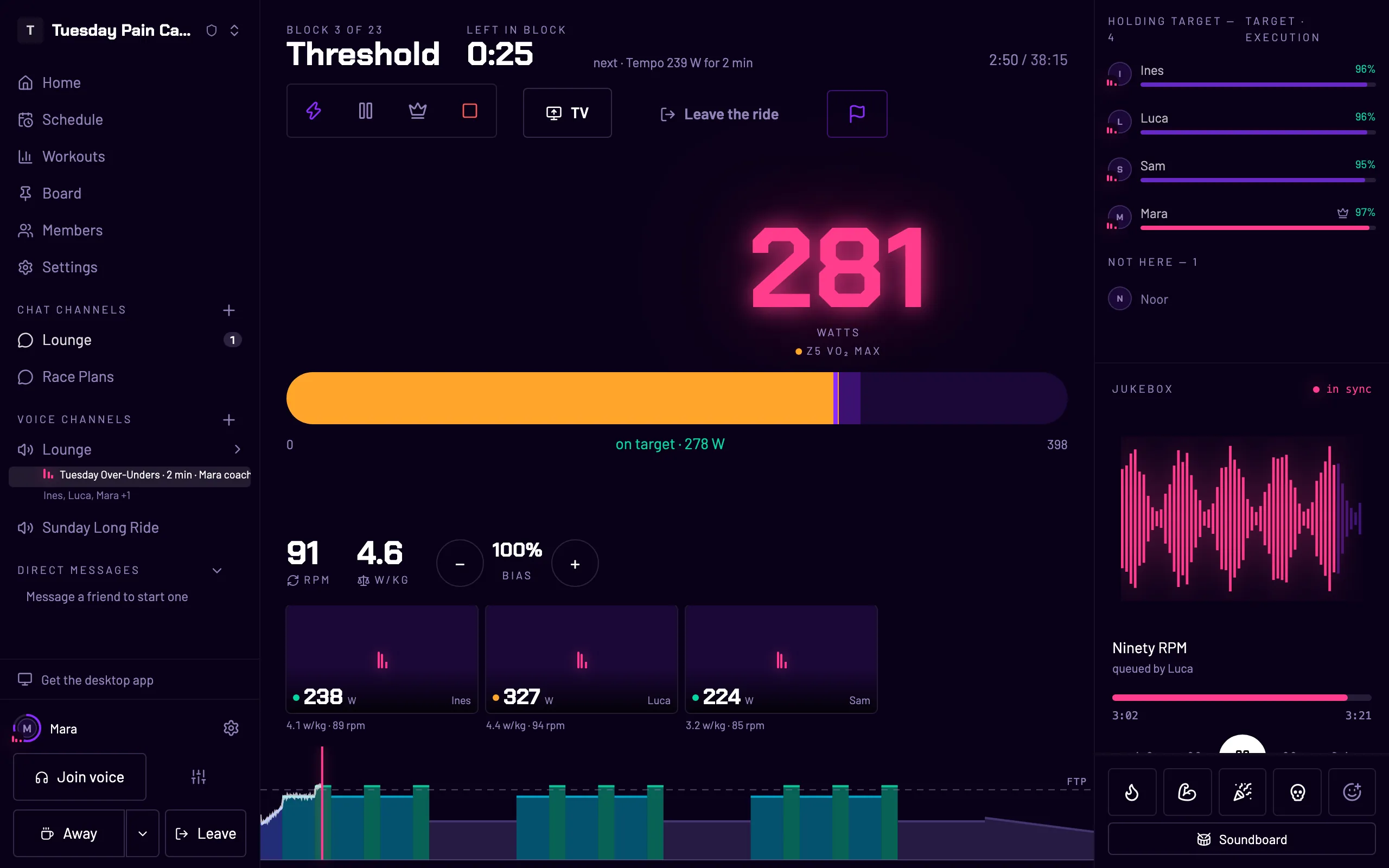
Same workout, your watts
Nobody waits, nobody gets dropped
Outside, a group splits on the first climb. Indoors it does not have to: the workout is shared and the watts are personal. Drag your FTP and watch your targets move while the workout stays the same.
Tuesday threshold · one workout, four riders
Block 3 of 9 · 5 min at 100 % FTP · Threshold
- Ines FTP 185 W 185 W
- Luca FTP 250 W 250 W
- Mara FTP 320 W 320 W
- You FTP 230 W 230 W
How a session works
From “anyone up for a ride?” to riding
- 01
Walk into the voice channel
Your crew’s voice channel is always there. Click it and you are in the call; your trainer pairs from the same page.
- 02
Anyone starts the workout
Whoever starts a session picks the workout — from the library, from their own shelf, or a .zwo file they imported — and becomes its coach. No event to schedule first.
- 03
Ten seconds, then everyone rides
A countdown, and the timeline runs on the server for everyone at once. Each trainer holds its own rider’s share of every block in ERG mode.
- 04
Talk the whole way
Voice is one tap and the camera is yours to switch on. The music ducks when someone speaks. A sprint flips the trainer out of ERG so you can empty the tank.
Why a crew, not an event
The ride is better when the room is still there tomorrow
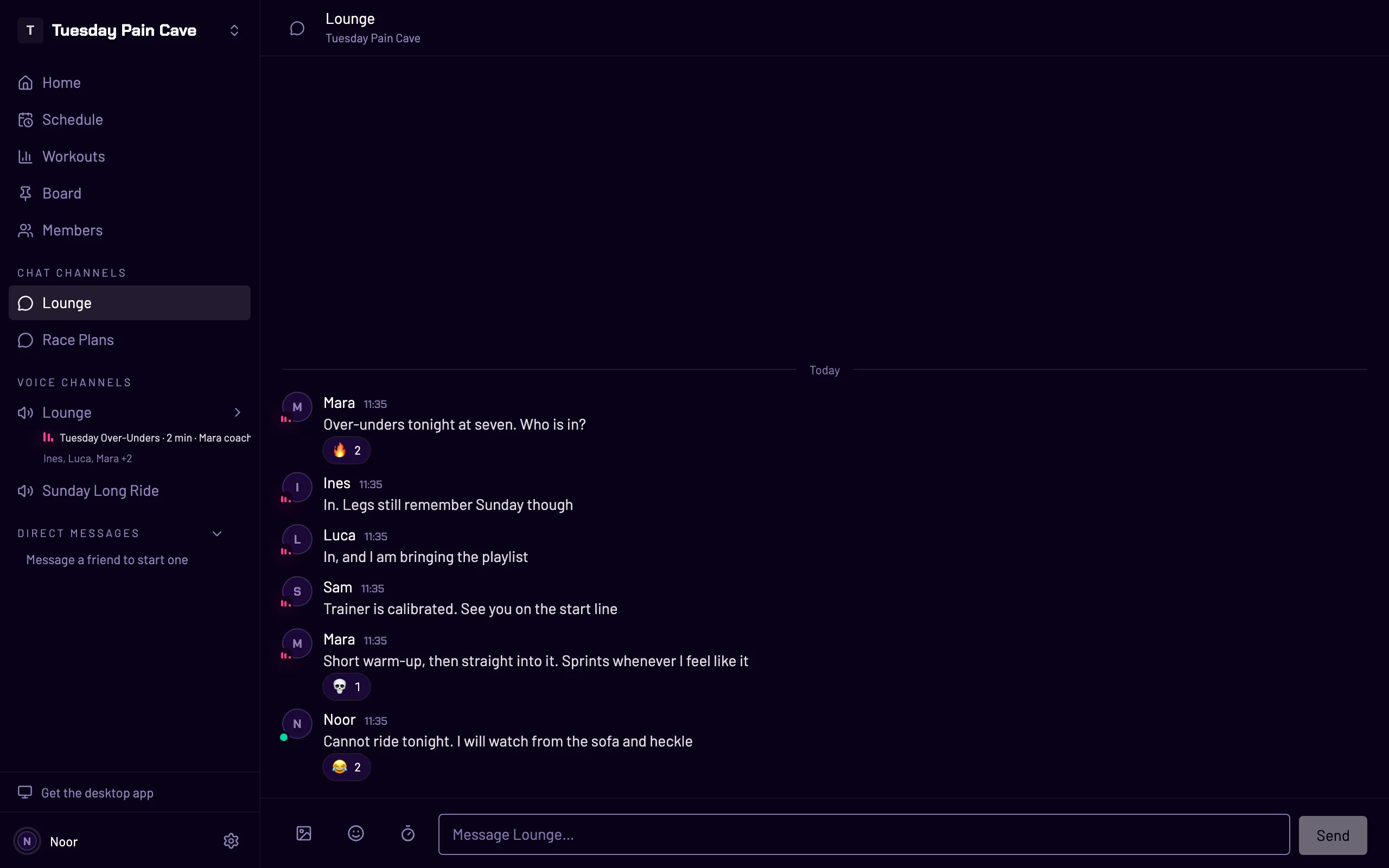
In most training apps a group workout is something you set up: build it, schedule it, invite people, and open a voice app on the side. WattRoom starts from the other end. Your crew has a standing place — text channels for the week, voice channels for ride night — and the workout happens in it.
So the chat before the ride, the ride, and the “that last interval was brutal” afterwards all happen in the same place, with the same people, and nobody had to organise anything.
Questions
+Does Zwift have voice chat?
Not built in: Zwift’s chat is typed, and riders who want to hear each other run Discord beside it. In WattRoom the voice channel is the room the workout happens in.
+Can we ride a workout together if our FTPs are different?
Yes, and it is the normal case. Workouts are written in percentages of FTP and every trainer holds its own rider’s watts, so the whole crew rides the same shape at the same moment and it hurts everyone equally.
+Do we have to schedule it?
No. Anyone in the voice channel can start a session whenever the crew is there. If you like a fixed night, put it on the crew’s schedule: members say they are in or out, and it can land in their own calendar.
+Can two groups ride different workouts at once?
Yes, in two voice channels. Each voice channel runs one session at a time, and a crew can have several.
+What if someone’s trainer drops out?
A trainer that goes quiet for three seconds is flagged at once, and the connection recovers by itself — with one big button if it cannot. The session keeps running for everyone else.
+Can someone just ride along without the workout?
Yes. Anyone in a voice channel can free ride — set watts or a grade by hand — and stay in the call with their numbers showing.
Your crew rides tonight.
Start a crew, send its six-character code, and ride your first workout together tonight. Free, no install.